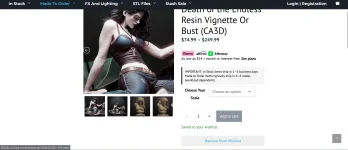
Kenny Conklin
Detail Painter
Well, @Veedubb67 asked for a wish list and I spent the better part of the day working with AI for one 
Now when you go to HLI3DFX.com and you want to save something for a future purchase you can!
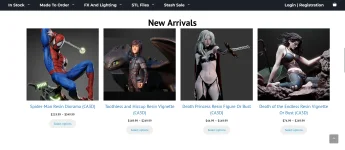
First browse the site and what we have available (prints coming soon)
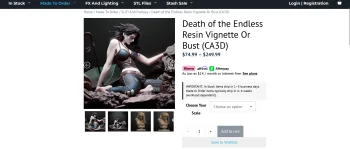
Under the add to cart is the Save To Wishlist button click that.
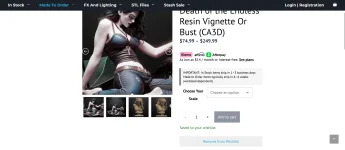
Once you click it the button will change what it says. If you made a mistake just hit the button again to remove it from your wishlist.
To see your wishlist hit the login/register button. The second option down on the left will be wishlist.
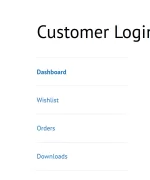
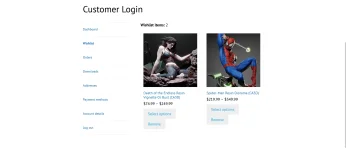
After you click that button you will be able to see what you have saved to your wishlist.

You can add any models you want to save for the future or even remove them from your wishlist.
Thank you for supporting HLI3DFX.com and I hope this helps out!!
Now when you go to HLI3DFX.com and you want to save something for a future purchase you can!
First browse the site and what we have available (prints coming soon)
Under the add to cart is the Save To Wishlist button click that.
Once you click it the button will change what it says. If you made a mistake just hit the button again to remove it from your wishlist.
To see your wishlist hit the login/register button. The second option down on the left will be wishlist.
After you click that button you will be able to see what you have saved to your wishlist.
You can add any models you want to save for the future or even remove them from your wishlist.
Thank you for supporting HLI3DFX.com and I hope this helps out!!